$ npm install
$ npm install -g browserify watchify
$ npm run build
$ npm start
and go to http://localhost:8888
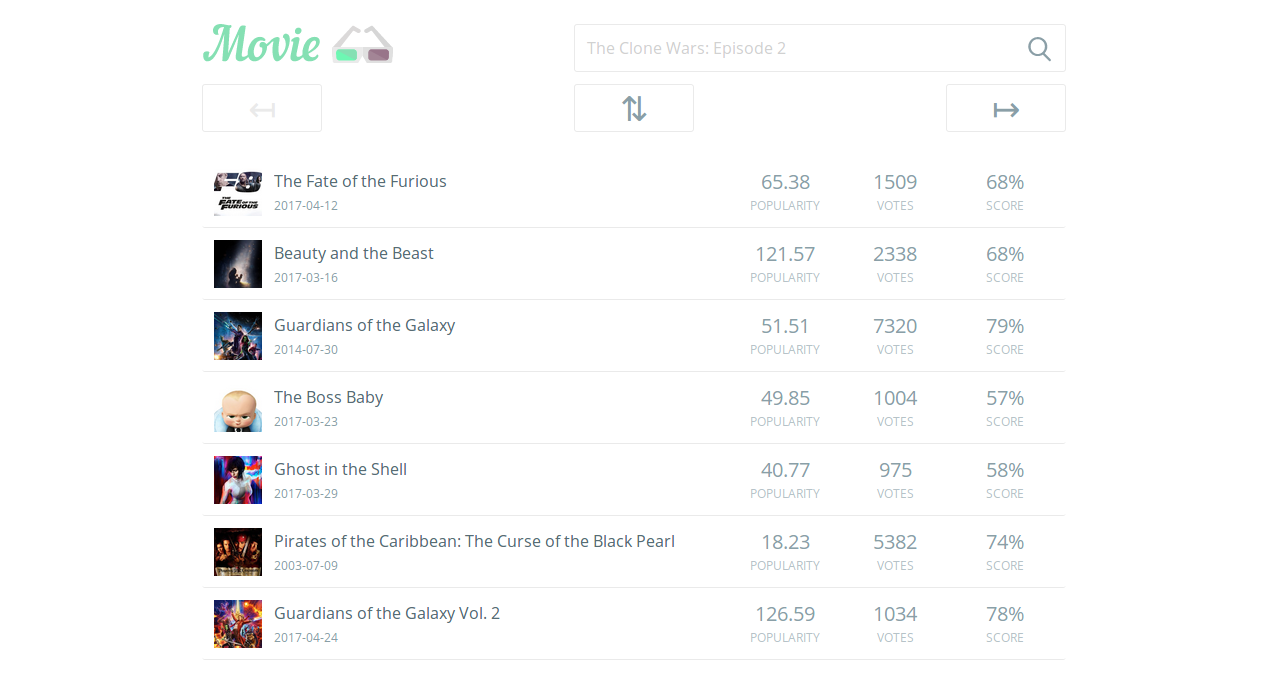
or just go to build directory and run index.html file in a web browser.
The browserify requires assigned node executable, because some linux distributions using nodejs executable instead of node. This solution solves the problem.
In case of problems with global packages installation like npm install -g browserify watchify:
- you can use
sudo, - set up environment to install packages without sudo by this solution,
- or use NVM.
For development build please type npm run build-dev.