5’ 07’’
two projectors, stereo speaker set, control unit
Interactive video installation around the cybernetics hypothesis.

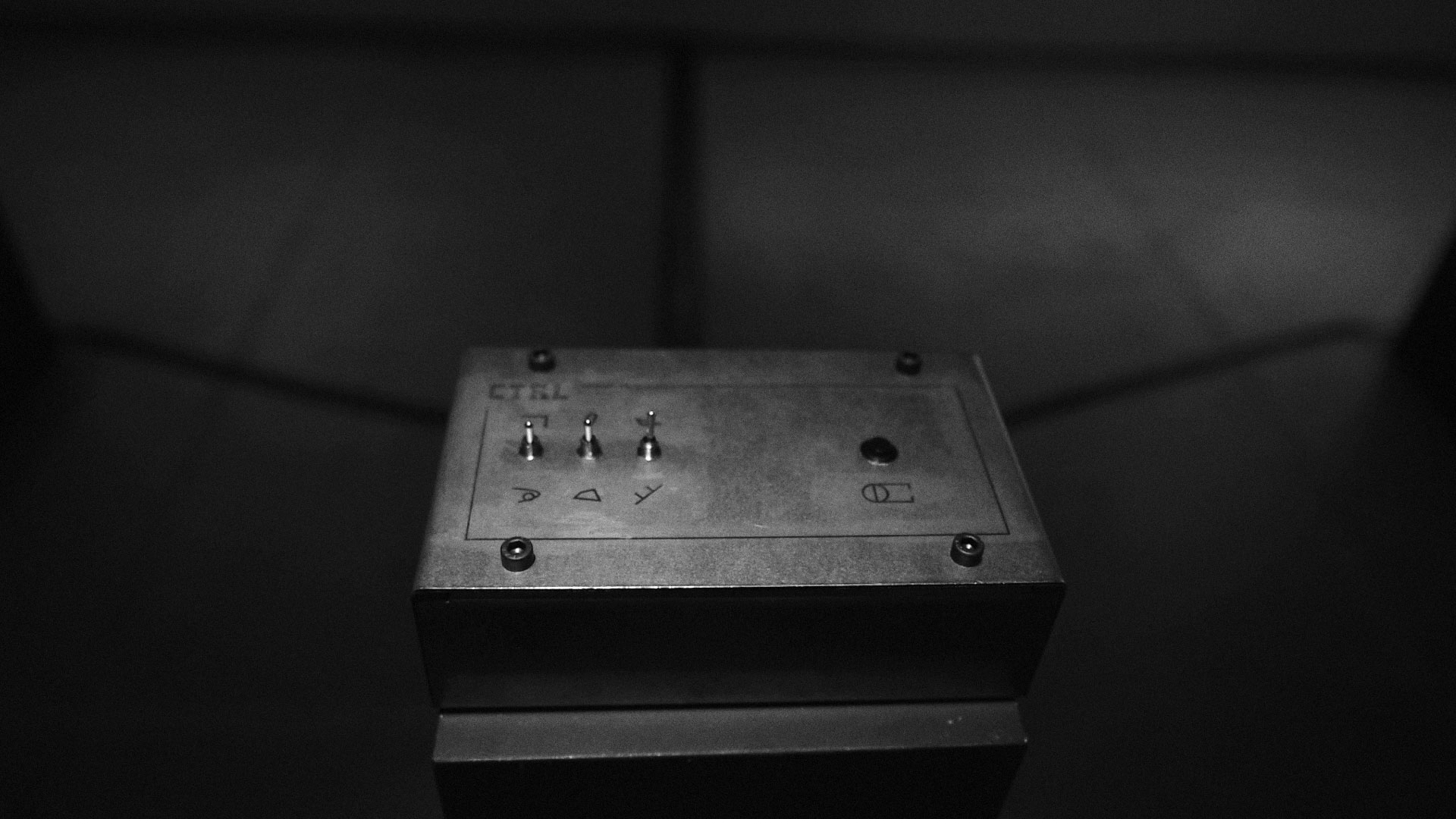

To run this project, you need the following:
- 2x Raspberry Pi
- 2x projector (or display)
- stereo speaker set
- the control unit
Install Raspbian Strech with desktop on the sd card (on Mac with Etcher). Afterwards you need to install node, npm and vim
sudo apt-get update
curl -sL https://deb.nodesource.com/setup_12.x | sudo -E bash -
sudo apt-get install -y nodejs
Check the versions
$ node -v
v12.15.3

$ npm -v
6.9.0
Install Vim for immediate changes you need to make
sudo apt-get update
sudo apt-get install vim -y
Afterwards, clone this repository
git clone git@github.com:blank-tree/ctrl.git
cd ctrl
npm install
Now edit the app.js file with the correct pins (PIN_BUTTON and PIN_SWITCH)for the button and the switch, the device number (DEVICE_NO) and the paths to the video files. Don't forget the file extension.
vim app.js
Start the application
node app.js
Quit the running node application first with ctrl+c.
sudo npm install -g pm2
pm2 start app.js
If the application crashes, PM2 will restart it.
The pm2 startup command will generate a script that will lunch PM2 on boot together with the applications that you configure to start.
pm2 startup systemd
will generate something like
[PM2] Init System found: systemd
[PM2] To setup the Startup Script, copy/paste the following command:
sudo env PATH=$PATH:/usr/bin /usr/lib/node_modules/pm2/bin/pm2 startup systemd -u pi --hp /h
Copy the generated command and run it.
sudo env PATH=$PATH:/usr/bin /usr/lib/node_modules/pm2/bin/pm2 startup systemd -u pi --hp /home/p
This created a system unit that will start PM2 on boot. When the system will boot PM2 will resurrect from a dump file that is not created yet. To create it run
pm2 save
This will save the current state of PM2 (with app.js running) in a dump file that will be used when resurrecting PM2.
You will be able to check anytime the status of your application with pm2 list, pm2 status or pm2 show.
Edit the app.js and switch the variable active in the settings to true
vim app.js
Save and close and now reboot the device
reboot
All rights reserved. 2019 – Fernando Obieta