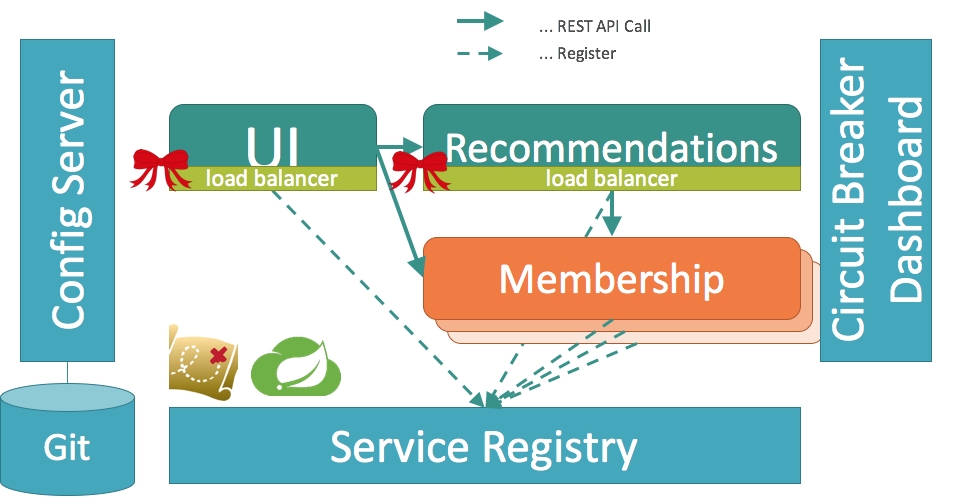
これまで各サービスのREST APIにアクセスするために物理的なURL(ホスト名 + ポート番号)を直接記述していましたが、サービスをService Registryに登録させることにより、論理的なURL(サービスID)でサービスにアクセスできるようにします。
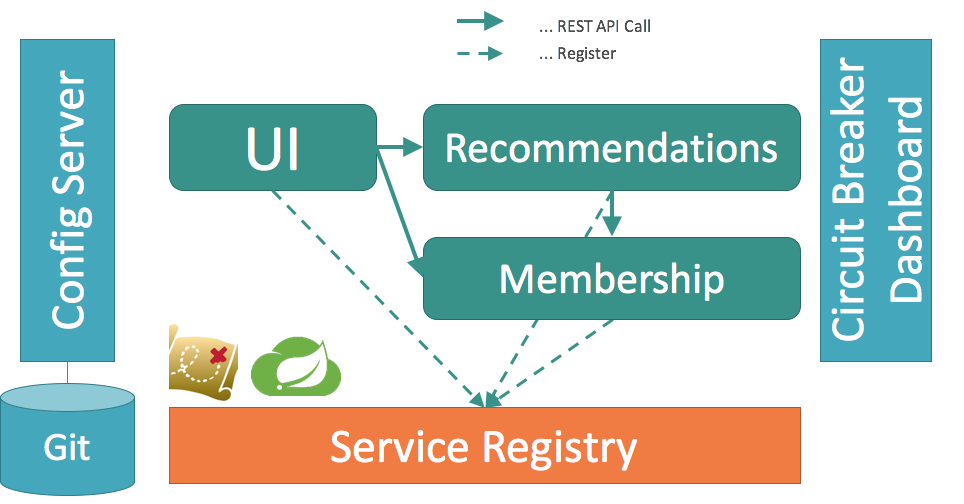
本ページで作成するソースコードはこちら(03-service-registryブランチ)から参照可能です。
-
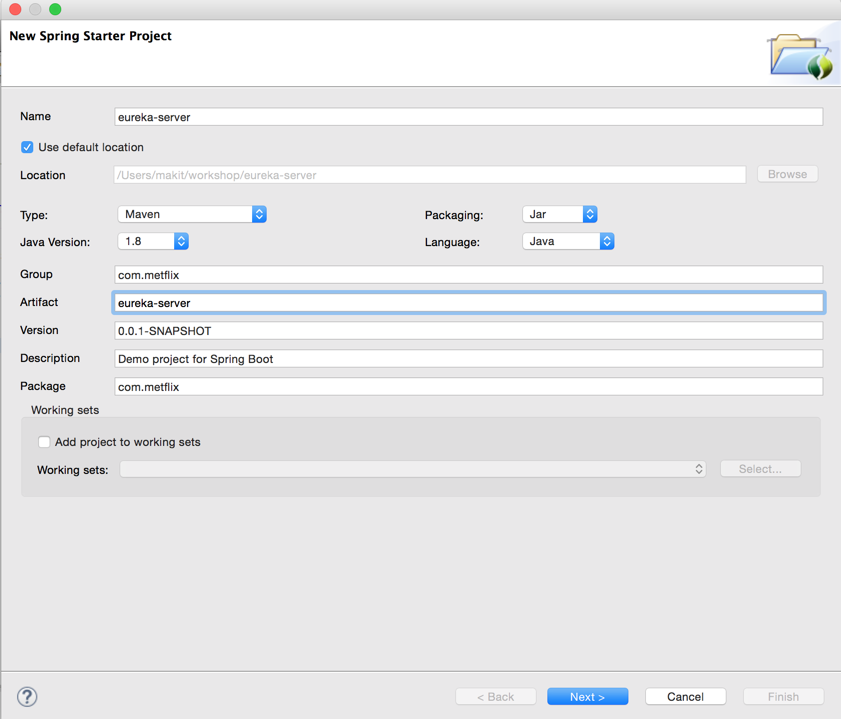
File -> New -> Spring Starter Project
-
- Name :
eureka-server
- Name :

- Group:
com.metflix - Artifact:
eureka-server - Package:
com.metflix
-
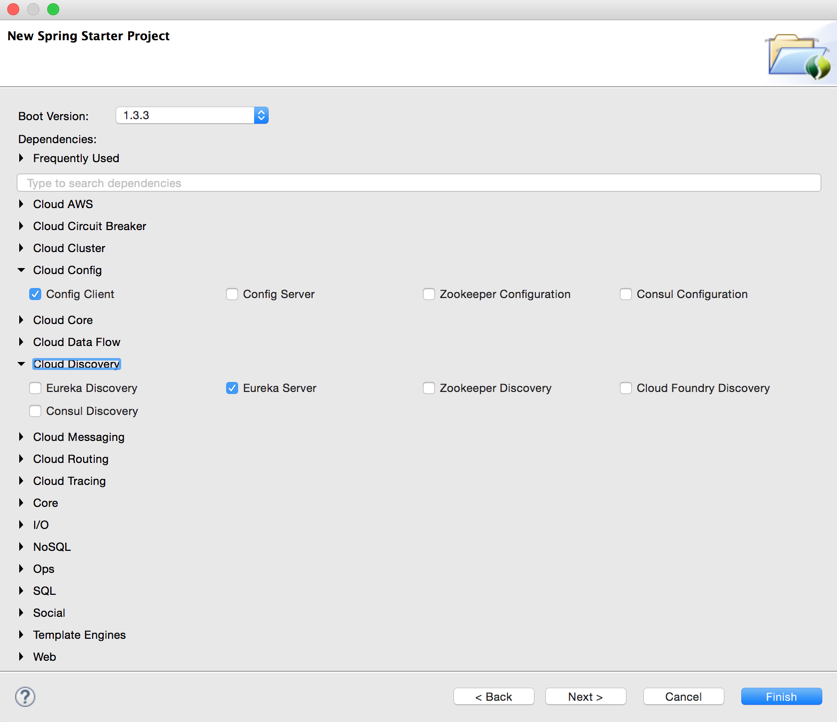
- Cloud Config ->
Config Client
- Cloud Config ->
- Cloud Discovery ->
Eureka Server - Ops ->
Actuator
-
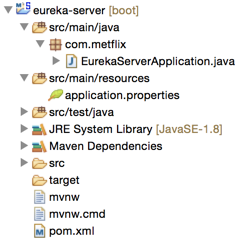
workspaceを確認
-
src/main/java/com/metflix/EurekaServerApplication.javaをこの内容に変更 -
src/main/resources/application.propertiesを削除 -
src/main/resourcesを右クリック -> New -> File -
File name:
bootstrap.properties -
src/main/resources/bootstrap.propertiesをこの内容に変更
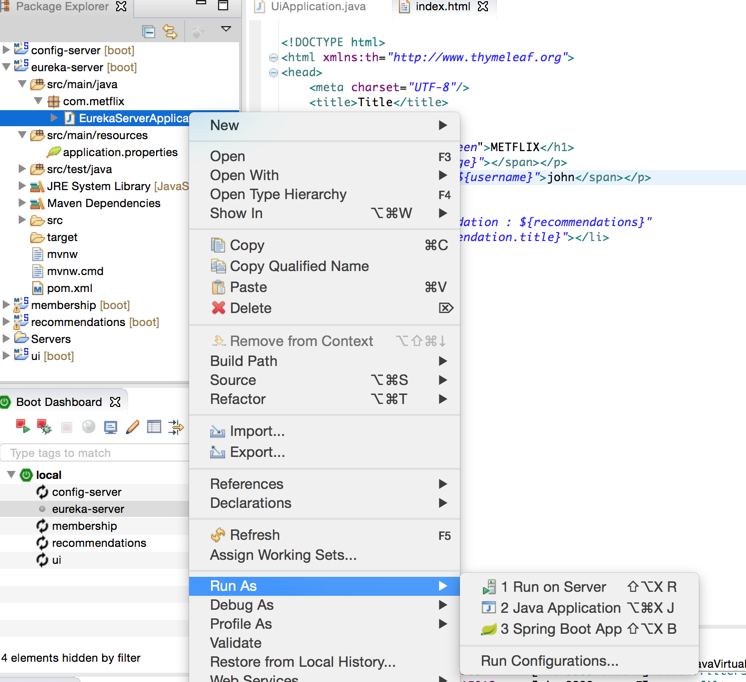
Package ExplorerのEurekaServerApplication.javaを右クリック -> Run As -> Spring Boot App
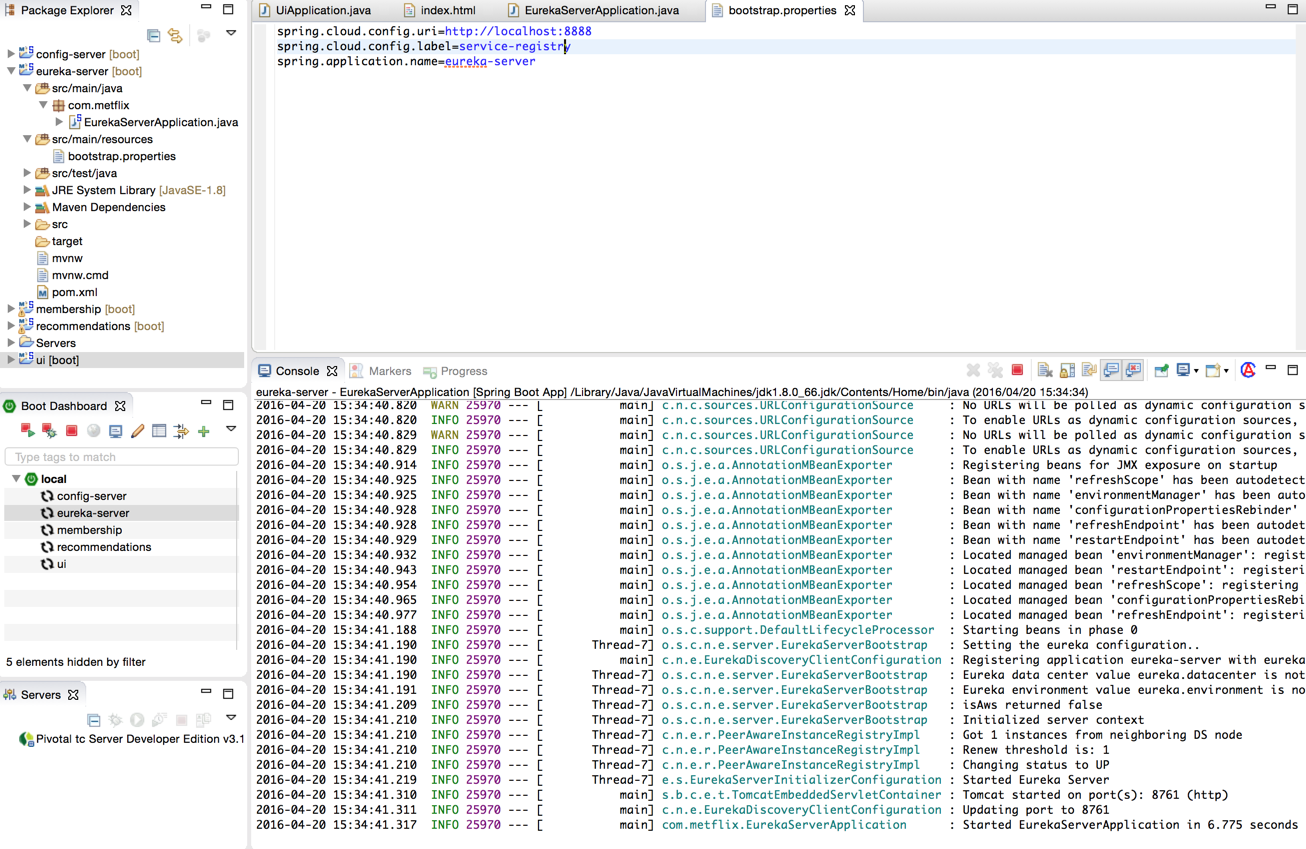
コンソールを確認
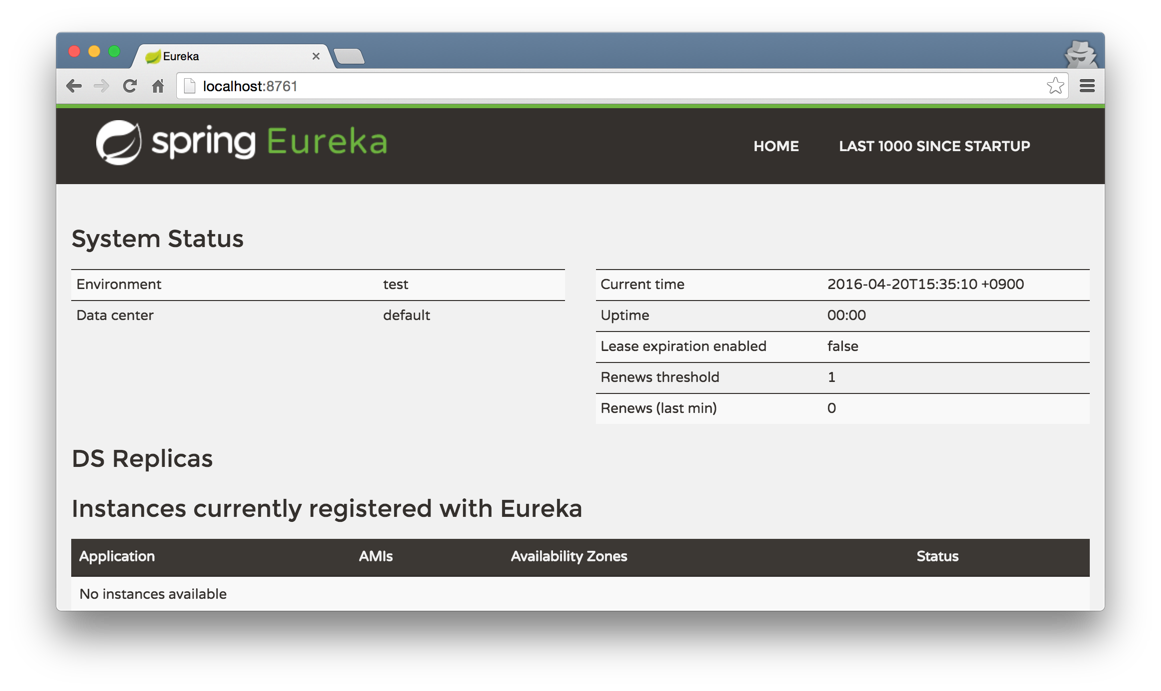
membershipのpom.xmlをこの内容に変更membershipのsrc/main/resources/bootstrap.propertiesをこの内容に変更membershipのsrc/main/java/com/metflix/MembershipApplication.javaをこの内容に変更
recommendationsのpom.xmlをこの内容に変更recommendationsのsrc/main/resources/bootstrap.propertiesをこの内容に変更recommendationsのsrc/main/java/com/metflix/RecommendationsApplication.javaをこの内容に変更
uiのpom.xmlをこの内容に変更uiのsrc/main/resources/bootstrap.propertiesをこの内容に変更uiのsrc/main/java/com/metflix/UiApplication.javaをこの内容に変更
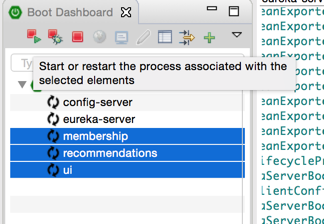
membership、recommendations、uiを再起動
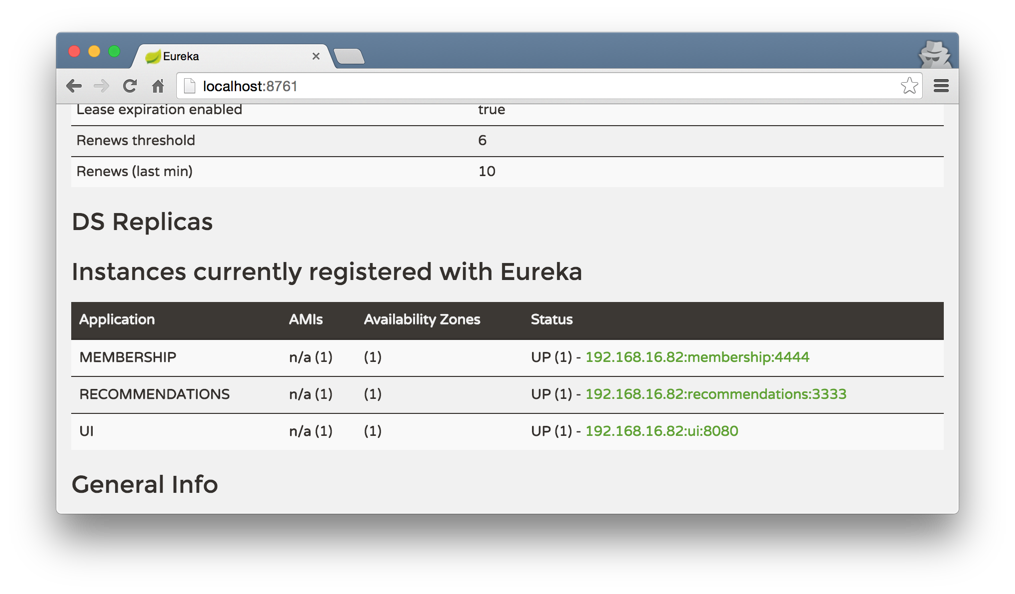
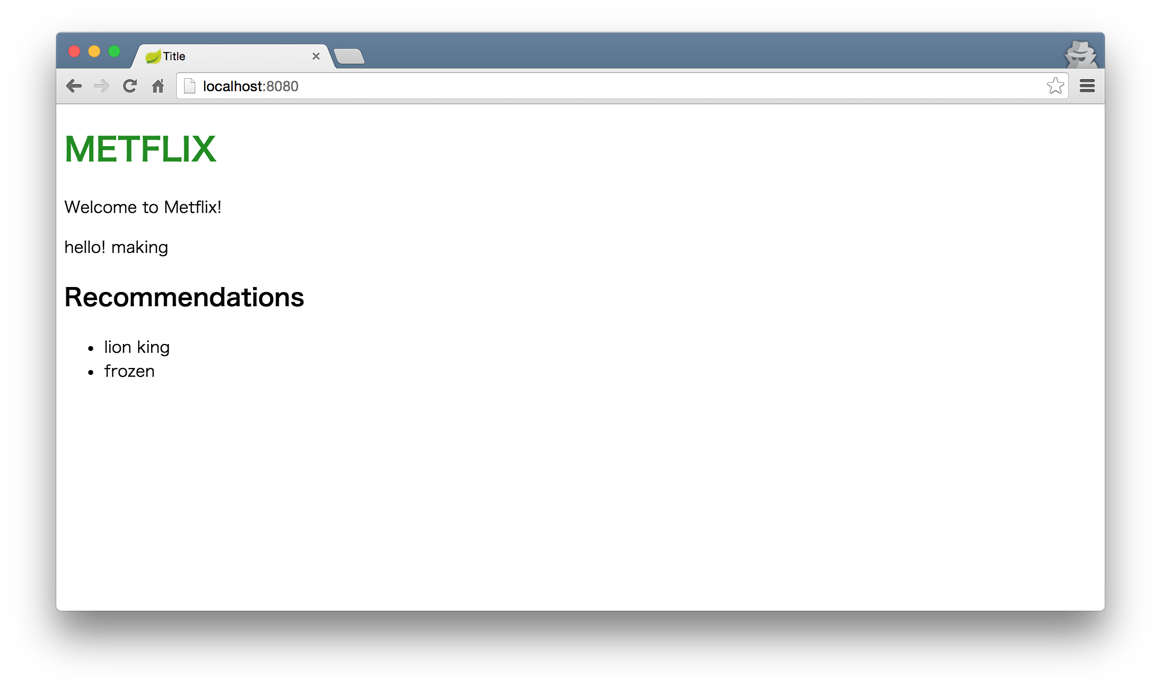
Config Serverに設定した各サービスのURLが物理名(ホスト名+ポート番号)ではなく論理名になっていることに着目してください。
Membershipサービスを3台にスケールアウトさせましょう。
$ cd $WORKSHOP/membership
$ ./mvnw clean package
$ PORT=4445 java -jar target/membership-0.0.1-SNAPSHOT.jar
別ターミナルでも
$ cd $WORKSHOP/membership
$ PORT=4446 java -jar target/membership-0.0.1-SNAPSHOT.jar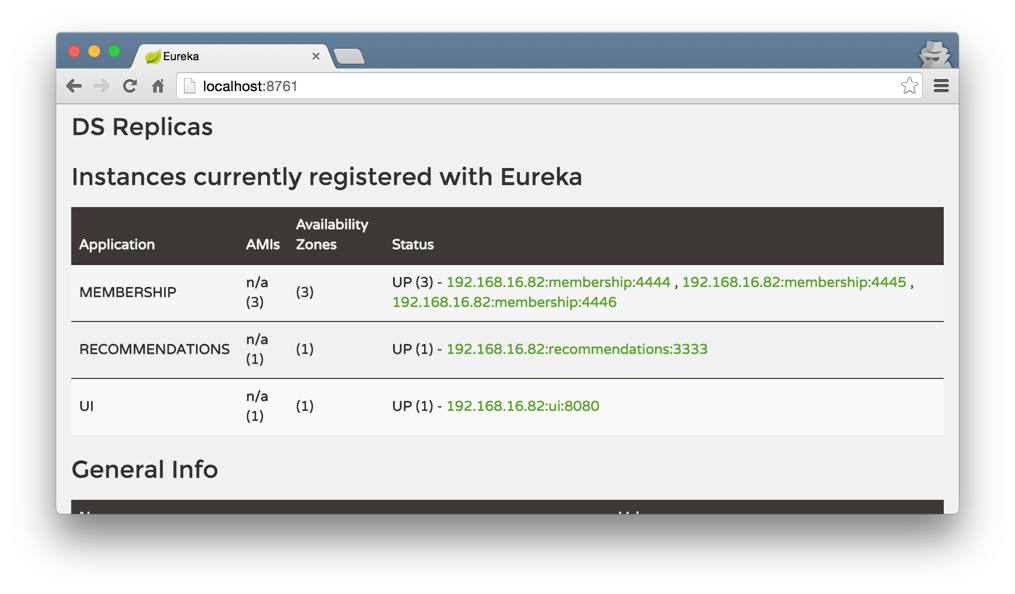
http://localhost:8080に何度かアクセスして、各Membershipサービスのログを見てそれぞれにアクセスがあることを確認してください。