light-gunner is a proof of concept that turns a smartphone into a lightgun with no extra apps required.
Only a modern mobile browser is needed.
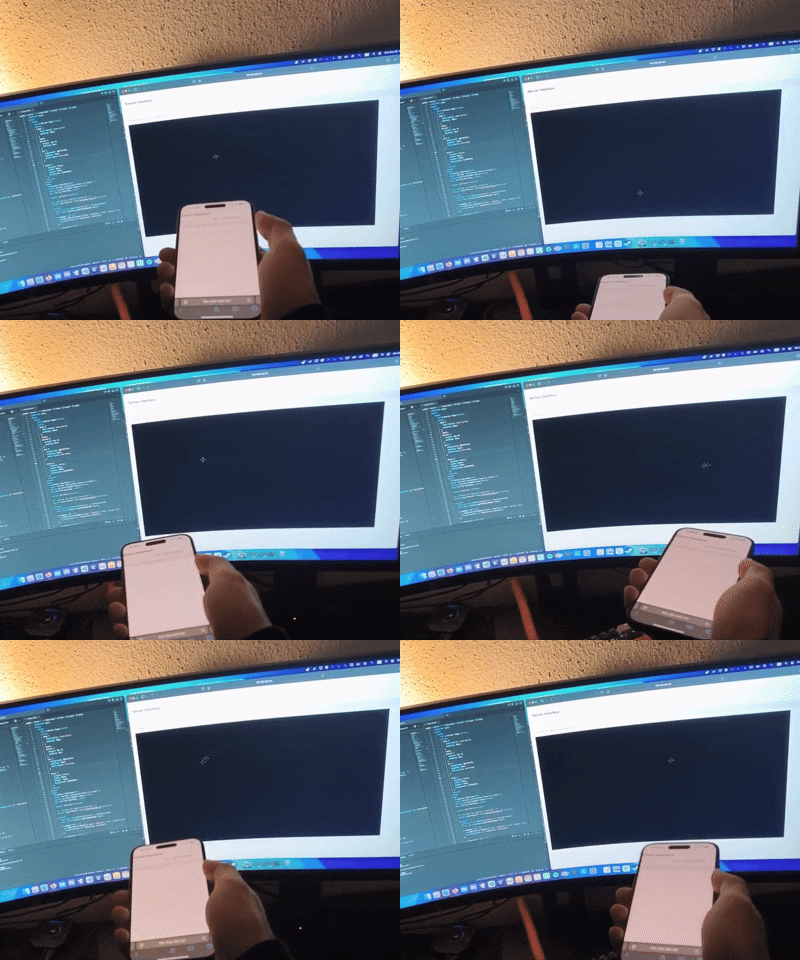
- A local HTTPS server runs on the host machine.
- The server exposes two pages:
- Host page
- Client page (for the smartphone).
- Host and client communicate over Wi-Fi via WebSockets.
- The DeviceOrientation API maps phone motion to the on-screen crosshair in real time.
-
Clone the repository and cd to the project dir
git clone https://github.com/vadimcx/lightgunner
cd lightgunner -
Install dependencies (The example uses Bun, but it should also work with Node or Deno.)
bun install
-
Start Lightgunner
bun run src/serverside/server.ts
-
Open the URLs printed in the CLI:
- On the host, open the
/serverpage. - On the smartphone, open the client page.
Make sure both devices are on the same network.
- On the host, open the
-
Enable orientation tracking
- On first connect, tap “Enable Orientation” on the client page.
- Grant the browser permission to access device orientation data.
-
Calibrate the crosshair
- On the host page, left-click to reposition the crosshair and adjust alignment.
- Requires a browser that supports the DeviceOrientation API (permission prompt and user gesture may be required on iOS/Android).
- Both host and client must be on the same Wi-Fi network.
- Designed and tested with Bun; other runtimes like Node.JJ or Deno should work with no or just minor adjustments.
This is a proof of concept and not intended for production use.